-
-
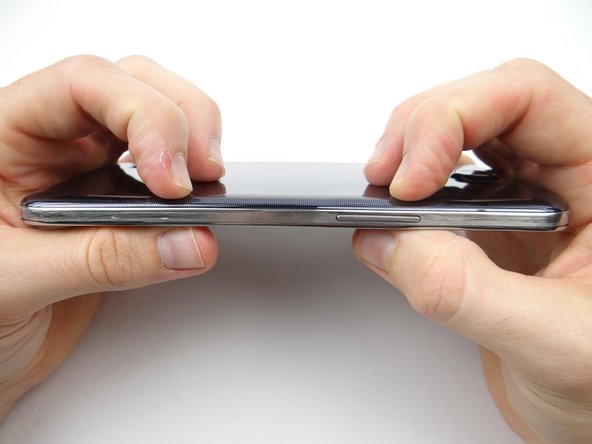
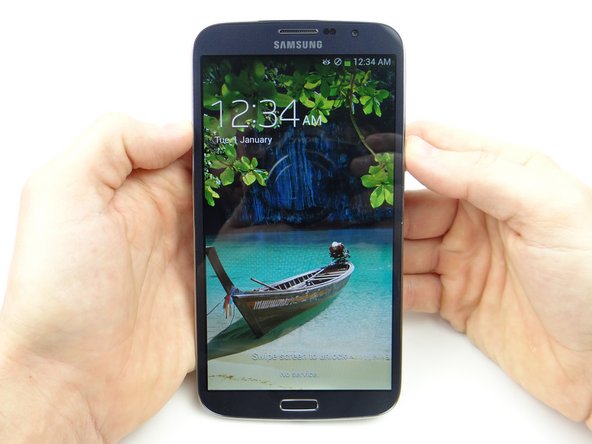
Power down device.
-
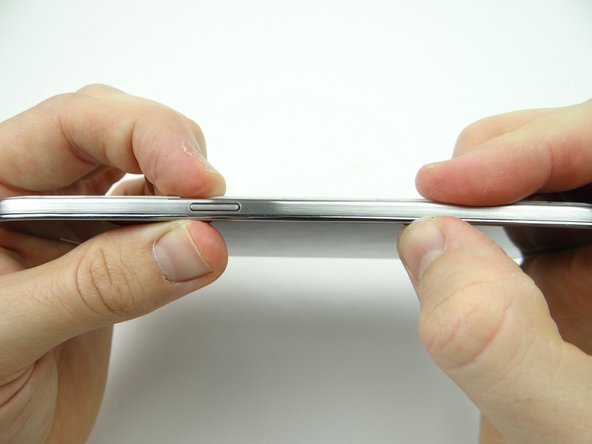
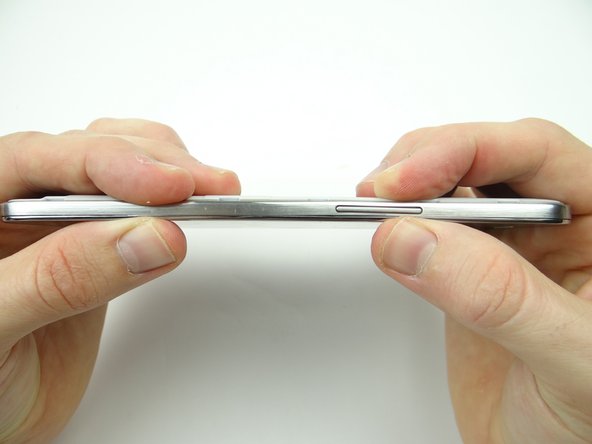
Use the notch above the power button to remove the battery cover. Place in ZONE V.
-
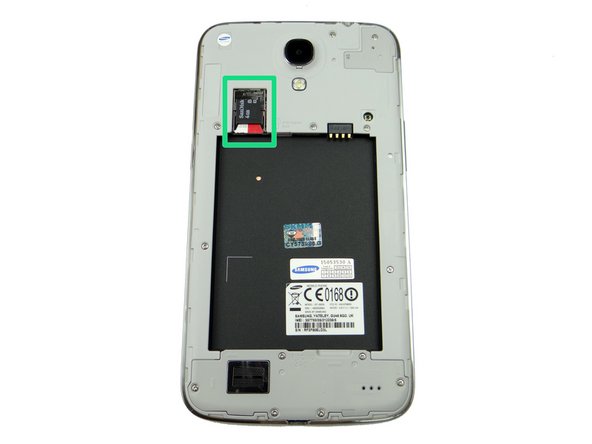
Remove the SIM card and SD card. Place both in Sandbox COMPARTMENT A.
-
-
-
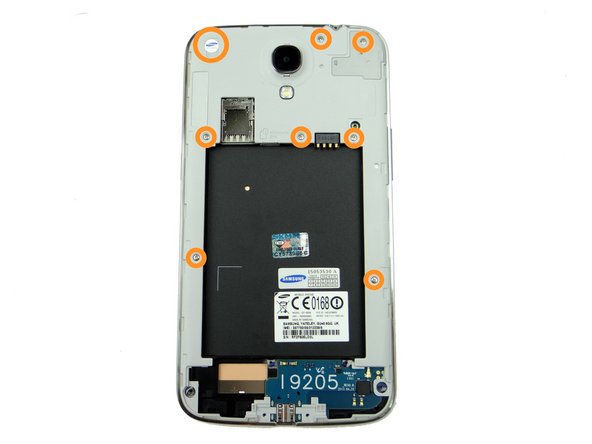
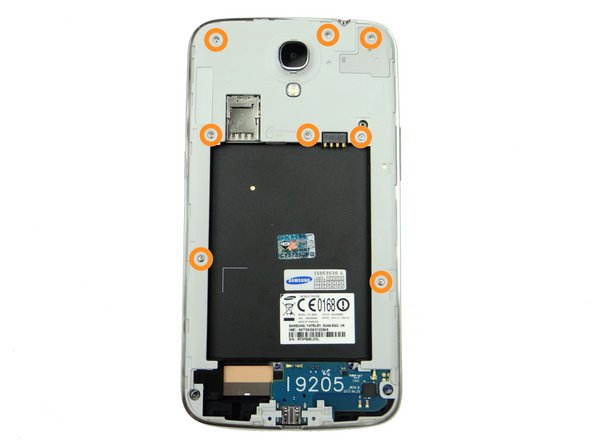
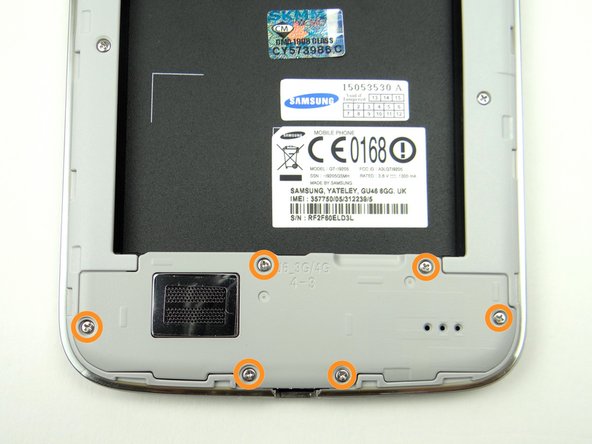
Remove six 3.4 mm #00 Phillips screws from loudspeaker assembly. Place in SLOT 1.
-
Use the curved-tip tweezers to remove any screws that get stuck.
-
-
-
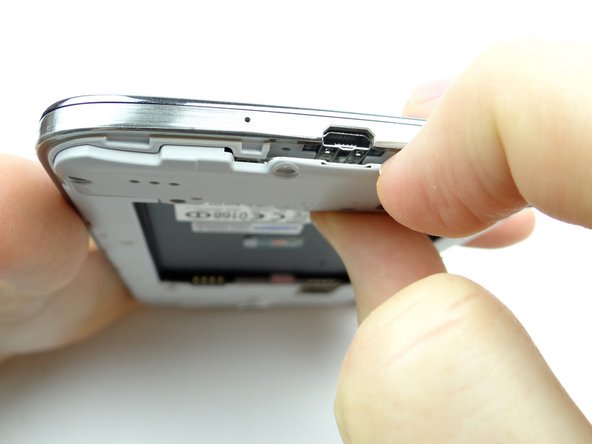
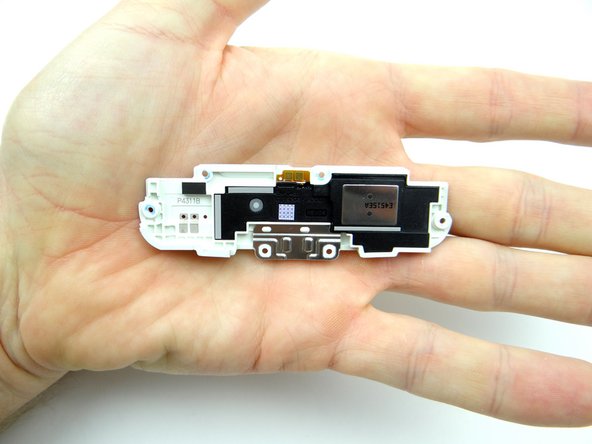
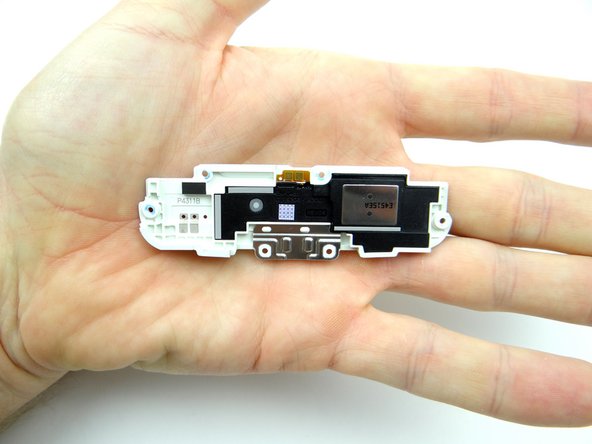
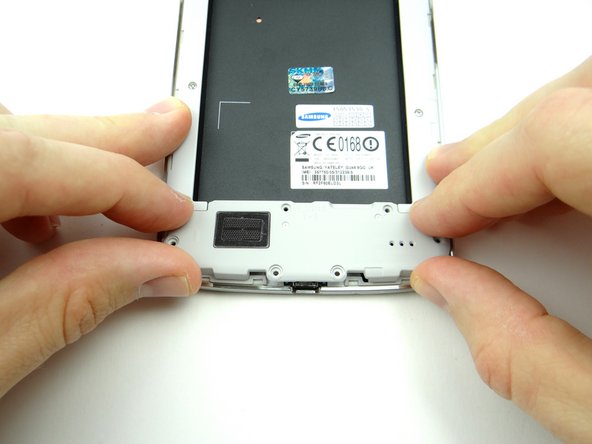
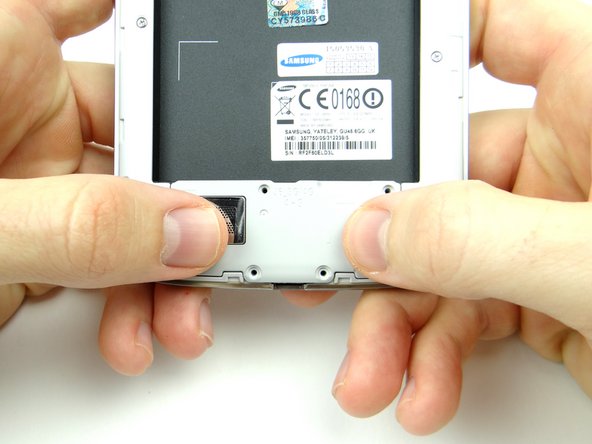
Pull the loudspeaker assembly away from the phone starting near the charging port.
-
Place loudspeaker assembly in ZONE I.
-
-
-
Picture 1: Remove eight 3.4 mm #00 Phillips screws. Place in SLOT 1.
-
Note the Samsung warranty sticker (large circle) in the upper-left corner. Remove it - there's a screw underneath.
-
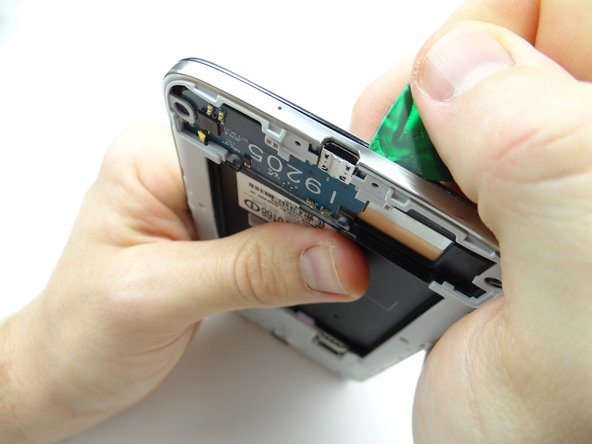
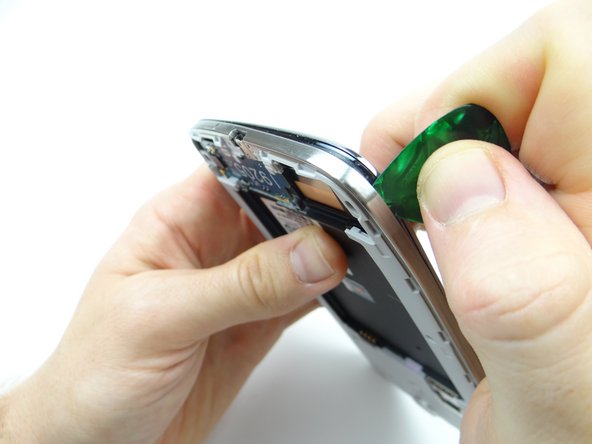
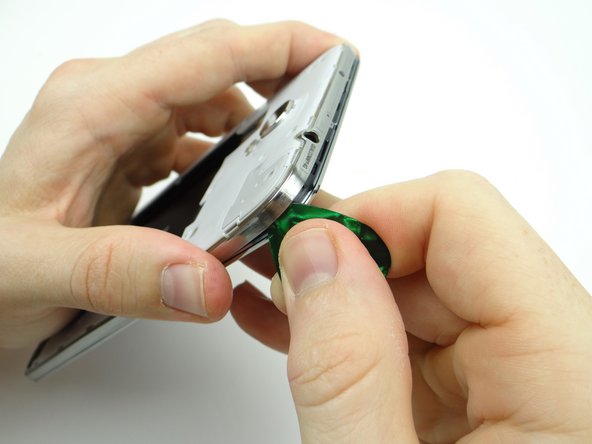
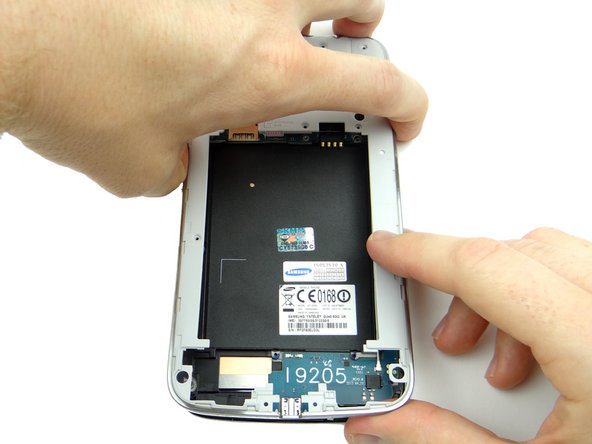
Picture 2: Note the orientation of the phone: insert guitar pick just right of the charging port between the mid-frame and front panel.
-
The mid-frame is thin and weaker under the charging port.
-
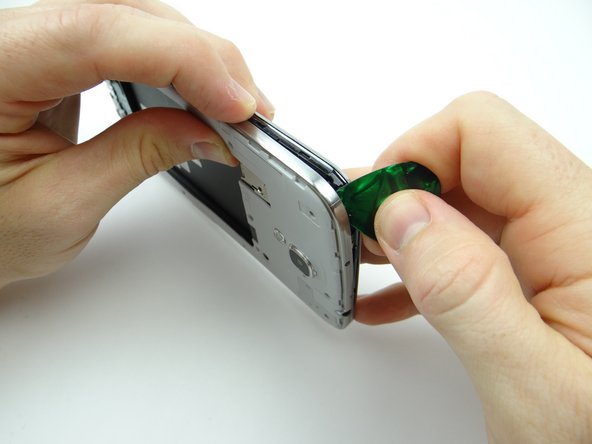
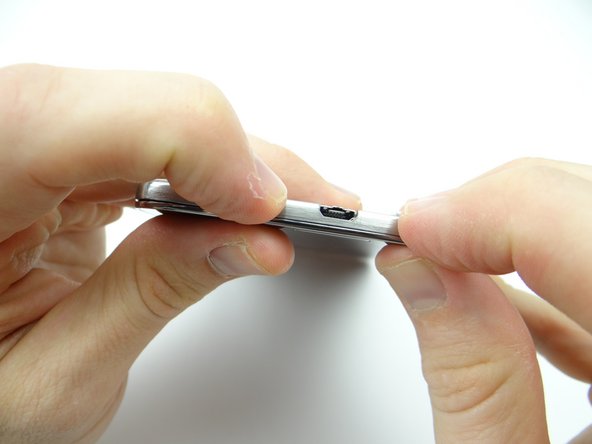
Picture 3: Carefully work your way around the corner to release clips holding the mid-frame.
-
-
-
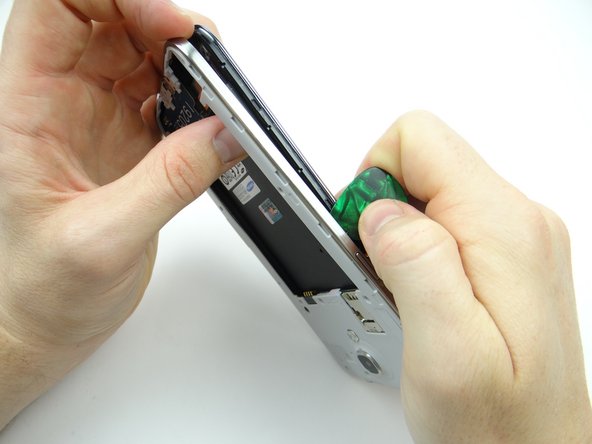
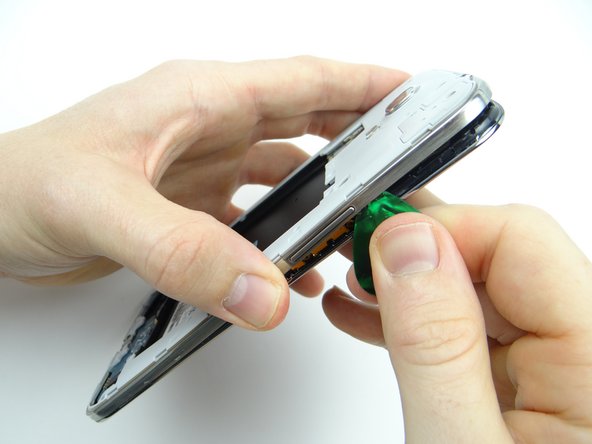
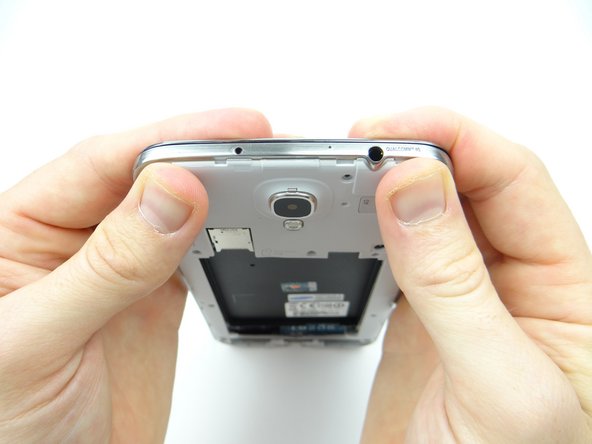
Picture 1: Move up the side of the mid-frame. Remove the guitar pick before you reach the power button.
-
Picture 2: Gently tug on the mid-frame with one hand to create space, then reinsert the guitar pick in the corner above the power button with the opposite hand.
-
Picture 3: Release the clips along the top edge of the mid-frame.
-
-
-
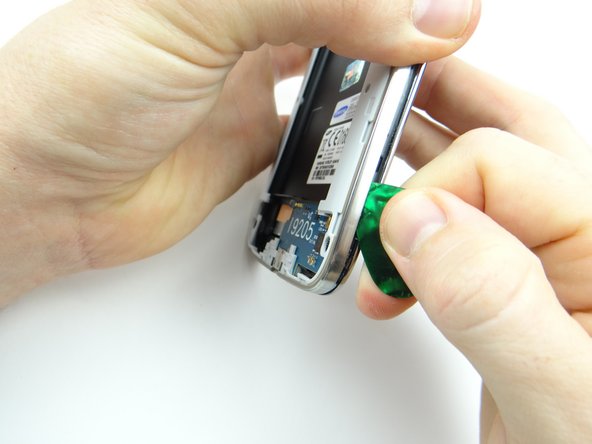
Pictures 1 & 2: Start working your way down the volume rocker side. Remove the guitar pick when you reach the volume rocker.
-
Picture 3: Reinsert the guitar pick below the volume rocker and work your way down.
-
-
-
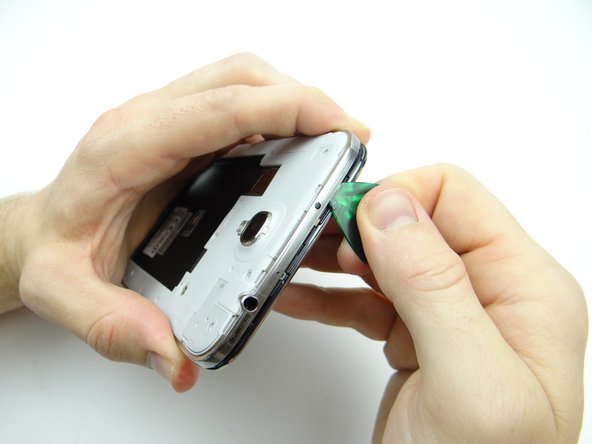
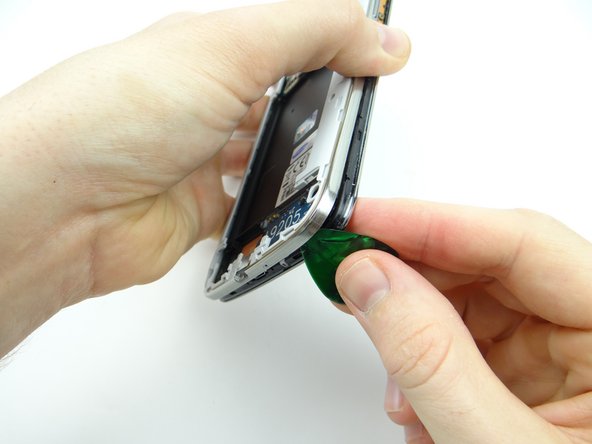
Pictures 1 & 2: Work up the lower-right corner until you're able to wedge your fingers between the mid-frame and front panel.
-
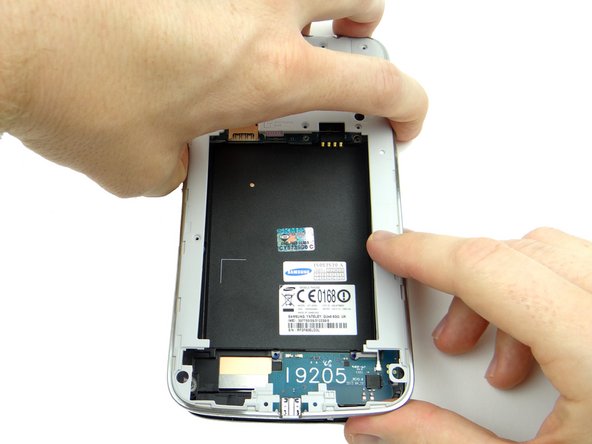
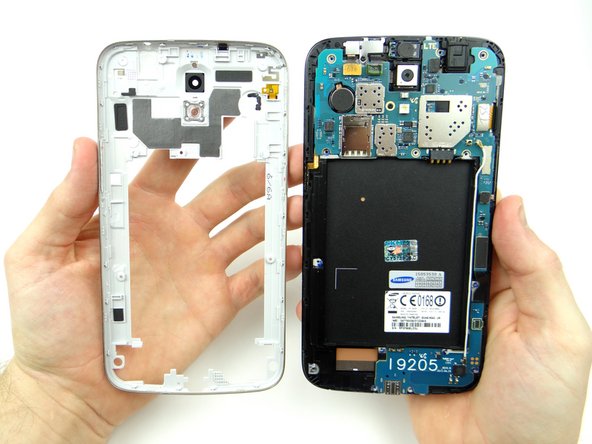
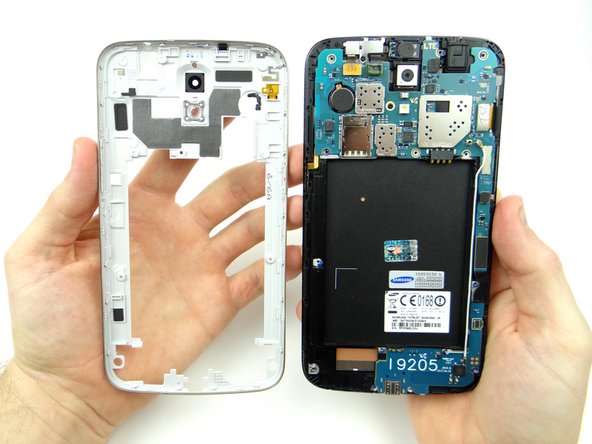
Picture 3: Gently peel the mid-frame away from the front panel. Place mid-frame in ZONE V.
-
The power button and volume rocker are part of the mid-frame assembly.
-
-
-
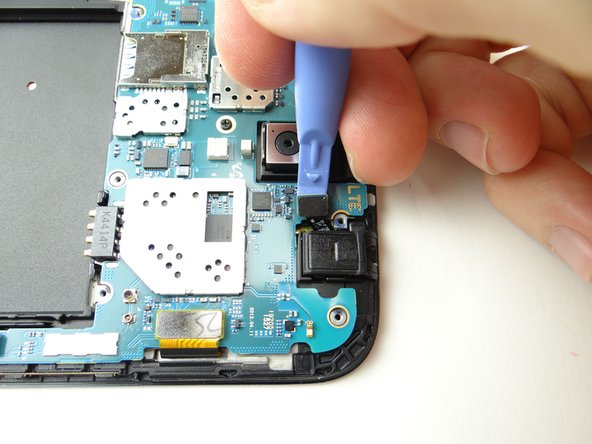
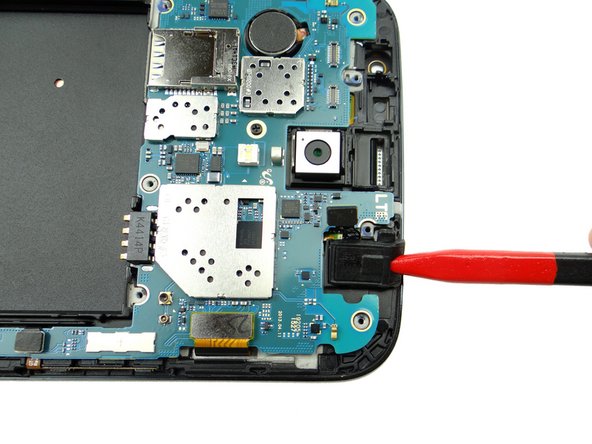
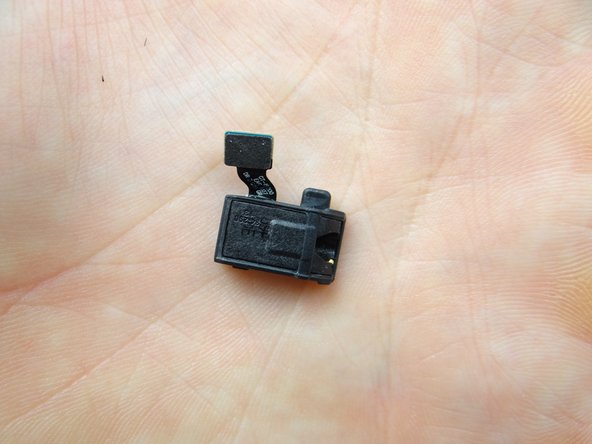
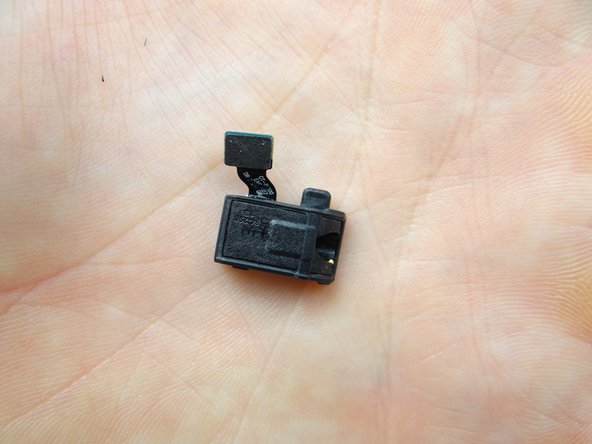
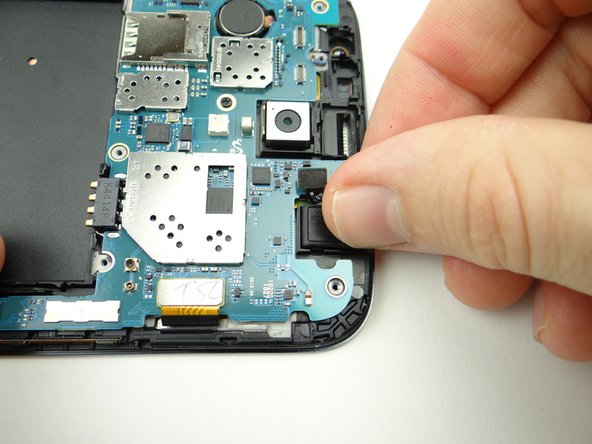
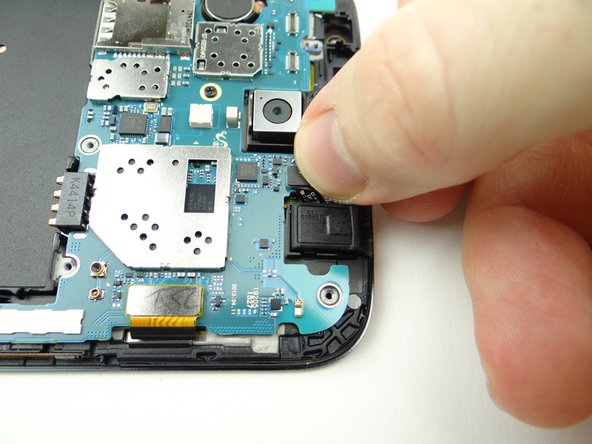
Disconnect the headphone jack.
-
Use the pointed tip of the spudger to lift the headphone jack free.
-
Place headphone jack in COMPARTMENT C.
-
-
-
Seat headphone jack from COMPARTMENT C, then:
-
Connect headphone jack cable.
-
-
-
From ZONE V, seat the mid-frame on the phone:
-
Line up the mid-frame, then:
-
Snap the bottom edge in place first, pushing down on either side of the charging port.
-
-
-
Push top edge into place.
-
Push sides into place.
-
Check the perimeter to ensure the mid-frame is fully seated.
-
-
-
Replace eight 3.4 mm #00 Phillips screws from SLOT 1.
-
-
-
Replace loudspeaker assembly from ZONE I:
-
Line it up then snap it into place.
-
-
-
Replace six 3.4 mm #00 Phillips screws securing loudspeaker from SLOT 1.
-
Replace the SIM card and SD card from COMPARTMENT A.
-
-
-
Replace the battery cover from ZONE V. Check around the perimeter to ensure all clips are snapped into place.
-
Power up and test device.
-